Engage's reports menu gives you options for reviewing and understanding your customer data.
Click the gauge icon in the navigation pane to expand the reports menu and view your report elements.
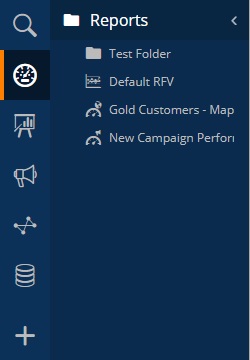
To create a new report element click the + icon in the navigation pane and select from the reports tools in the create menu.
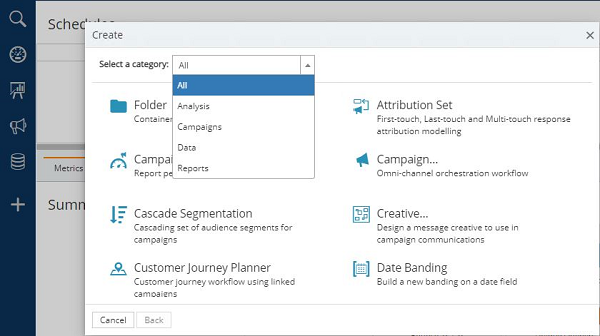
The different reports available provide you with options to review your customer data and examine the impact of your marketing activities. Map reports allow you to geographically display multiple selections of data onto one map view while RFV reports group people together in terms of how much they spend and how often they do it. To view the performance of several campaigns in a single report, you can create a campaign report, and, to view the status of tasks, you can create a task run report.
In addition to the built-in reporting tools, you can link a report from a third-party tool and display it within Engage, allowing you to review externally generated reports without needing to switch between applications.